> ## Documentation Index
> Fetch the complete documentation index at: https://lightdash-06-24-docs-simplify-date-zoom-usage-description.mintlify.site/llms.txt
> Use this file to discover all available pages before exploring further.
# An intro to metrics and dimensions
## What are metrics and dimensions?
Metrics and dimensions are defined in your dbt project alongside your dbt model properties.
* **Dimensions** are used to **segment data** in your Tables.
* **Metrics** are used to **perform calculations** on your Tables.
Say we're running an ecommerce business, we probably have a table containing all order data. We might want to ask:
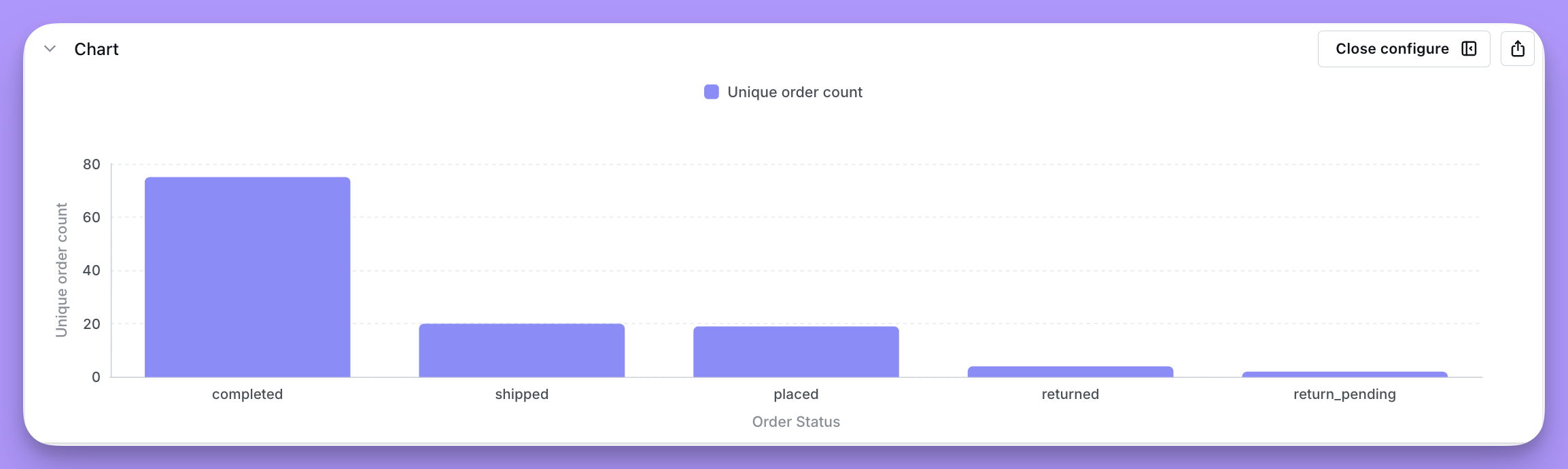
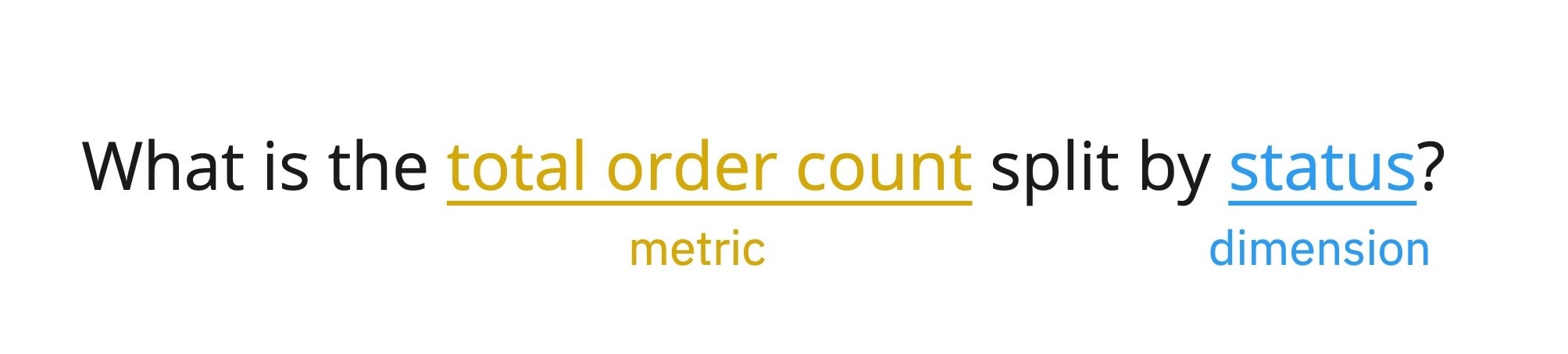 This question can be answered using a single metric "the total number of unique orders" and a single dimension for splitting the metric by "status of order". In Lightdash you'd get the following chart:
 To learn more about why we use dimensions and metrics in Lightdash, [read the Lightdash approach to BI](/best-practice/lightdash-way).